 MeeTube
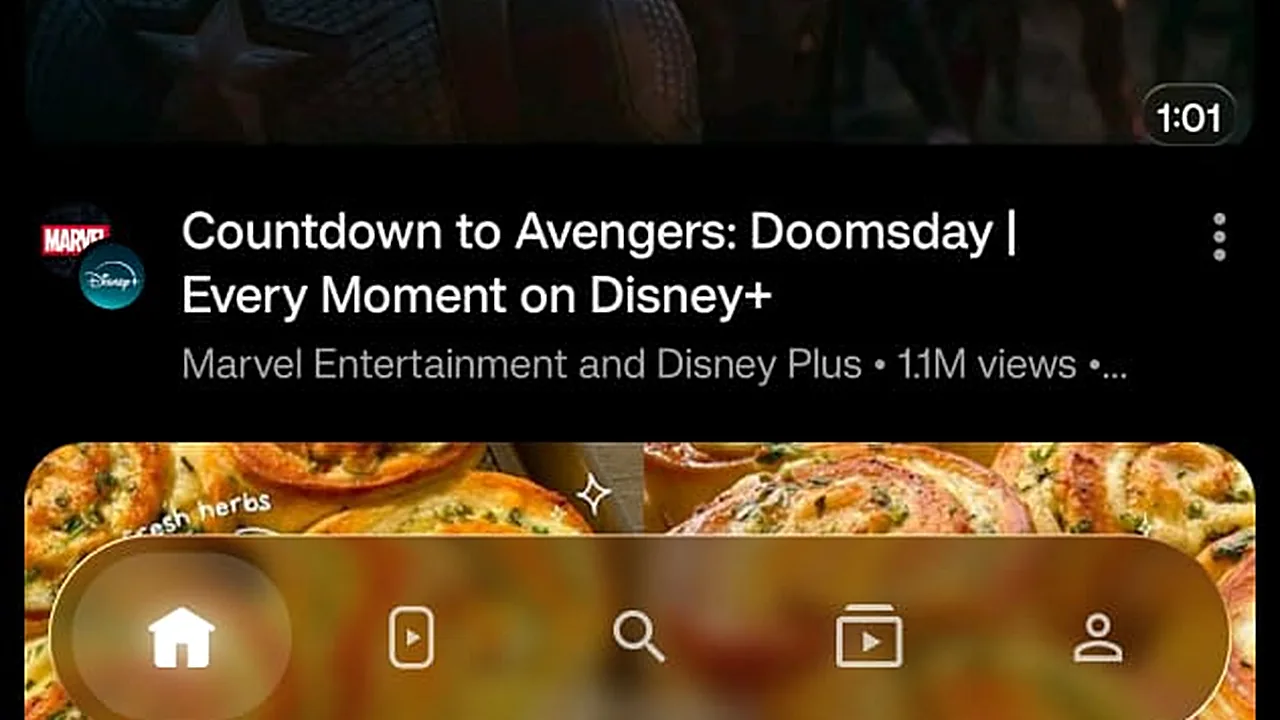
The Liquid Glass Interface, Explained
How the MeeTube liquid glass interface works, what YouTube mode changes, and how to tune the theme, icon, tabs, and Home layout.
Guides
Focused guides on single MeeTube features: the glass interface, background play, downloads, the MeeTune music side, lyrics, TV and car playback, and the fixes viewers ask for most.
How the MeeTube liquid glass interface works, what YouTube mode changes, and how to tune the theme, icon, tabs, and Home layout.
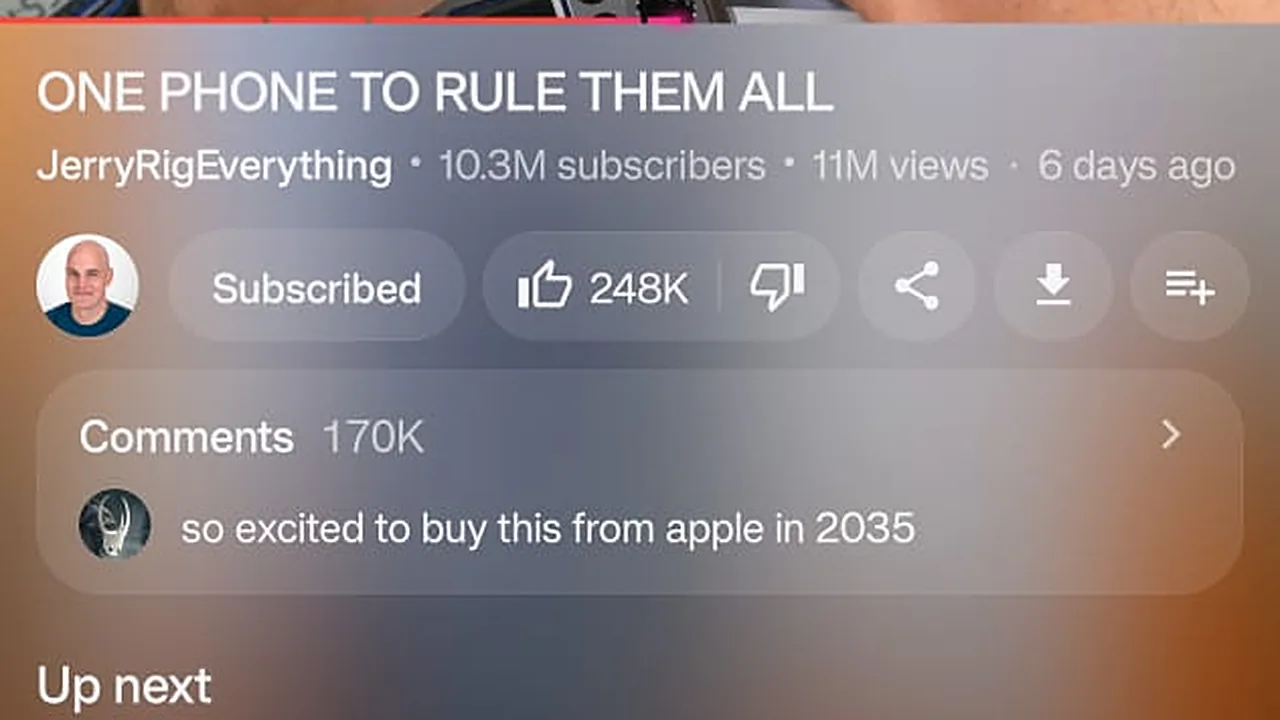
Keep MeeTube videos and Shorts playing with the screen locked or while you use other apps, and choose the setup that suits the way you watch.
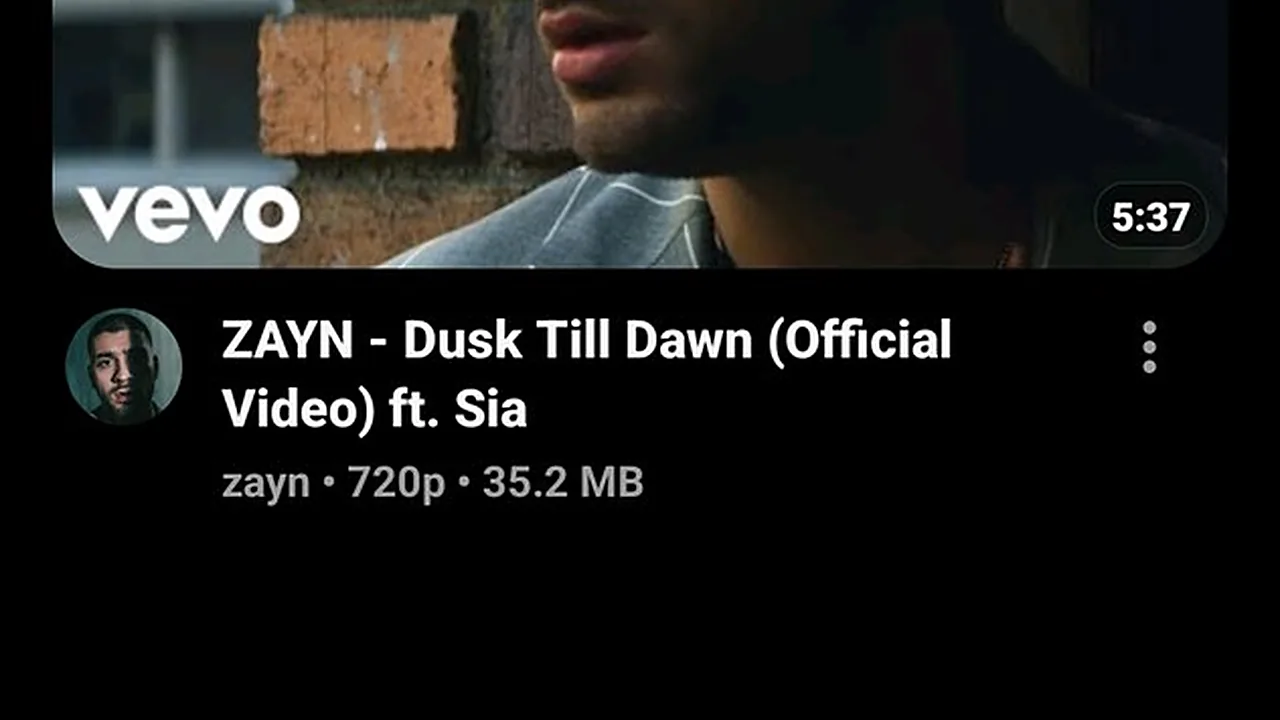
How MeeTube downloads work: quality up to 4K, any folder you pick, smart downloads that remember your quality, and auto downloads from channels you choose.

MeeTune turns MeeTube into a YouTube Music app: Home, Explore, Library, Search, synced lyrics, karaoke, and a player built for songs.
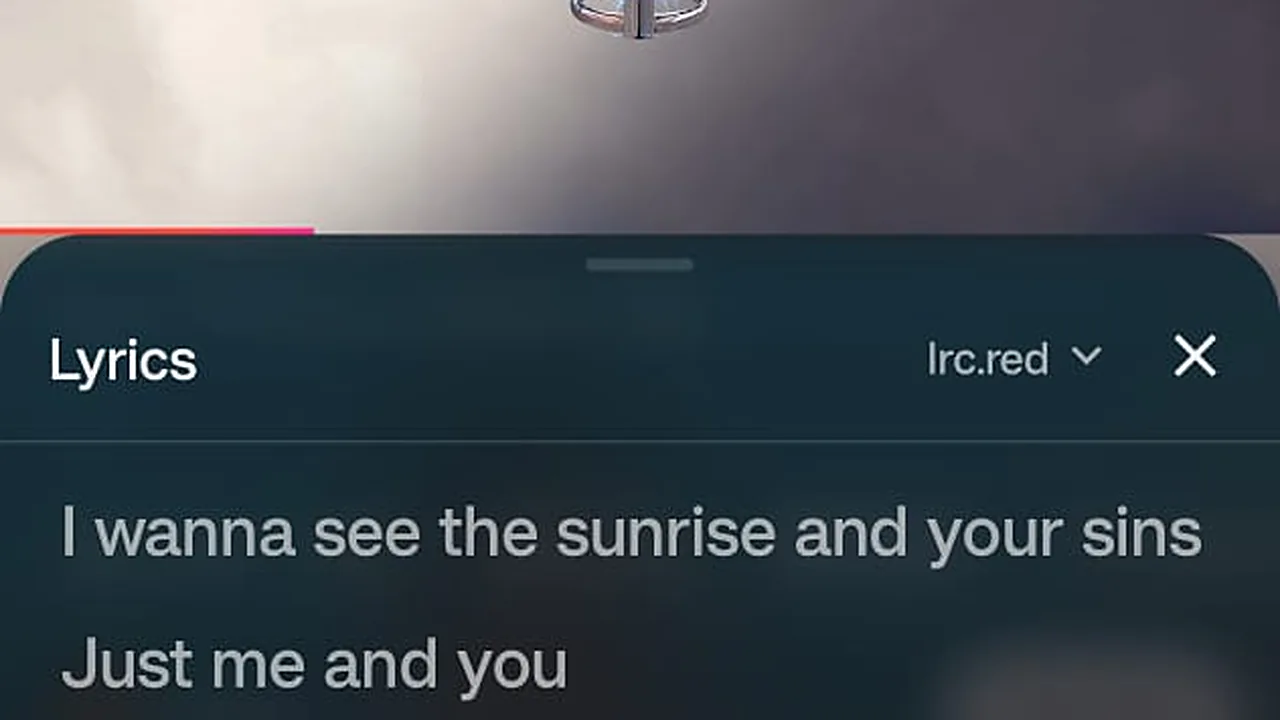
How MeeTune AI Karaoke removes vocals on the device, what to expect the first time you turn it on, and how it differs from synced lyrics.
How synced lyrics work in MeeTube and MeeTune, how to pick a lyrics provider, and what to do when lyrics are missing or out of time.
How MeeTube skips sponsor segments, brings back real dislike counts, and swaps clickbait titles and thumbnails for plainer ones.
How the MeeTube Shorts player works: fullscreen glass controls, background play, picture-in-picture, and the settings that keep Shorts comfortable.
How MeeTube search works: one-tap chips, the full filter dialog, and the Subscriptions page with your channels in a row on top.
Channel pages with banners and tabs, community posts you can like and reply to, and live chat under the video or beside it in fullscreen.
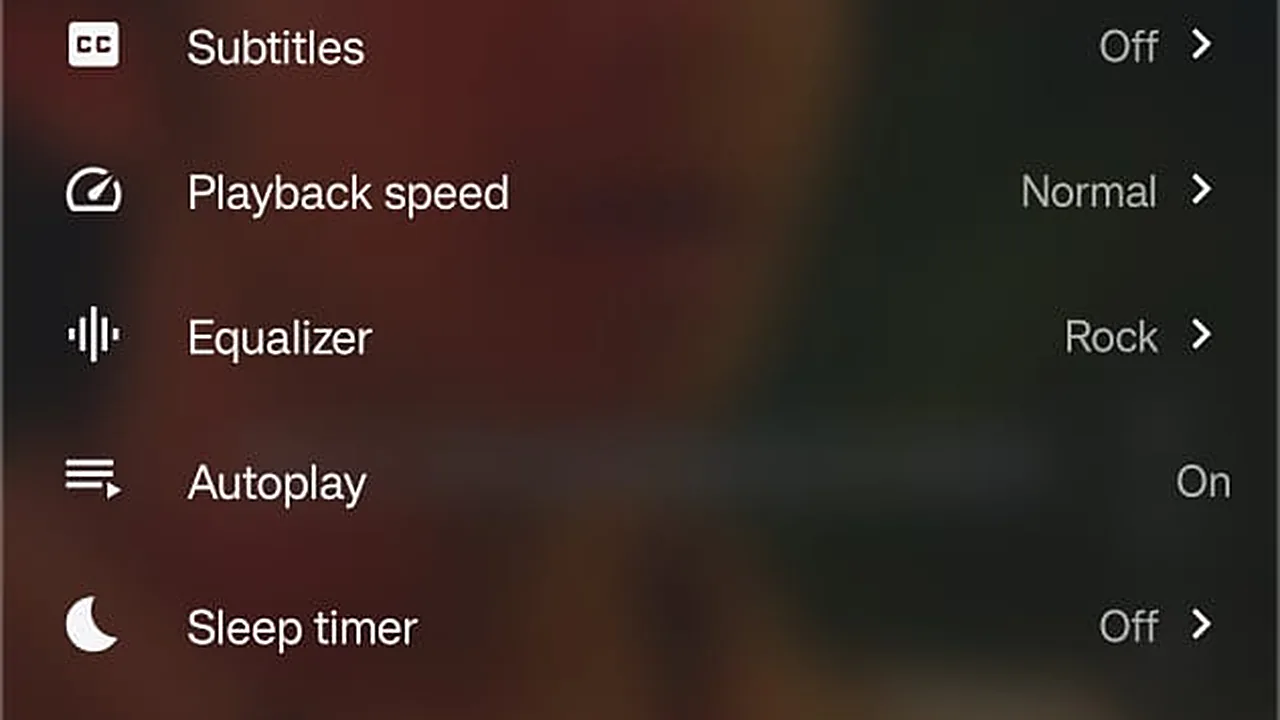
How the MeeTube equalizer works, presets versus your own bands, volume up to 200 percent, spatial sound, and the settings that shape how videos and songs sound.
How to cast MeeTube from your phone to a TV, what casting keeps and what it hands over, and when MeeTube TV is the better choice.

MeeTube TV carries the glass design to the television: a frosted sidebar, a glass player, glowing search, and an app that updates itself.
How MeeTune works in the car through Android Auto: Home, Made for you, Recents, Library, voice search, lyrics, and moving a song to the car.
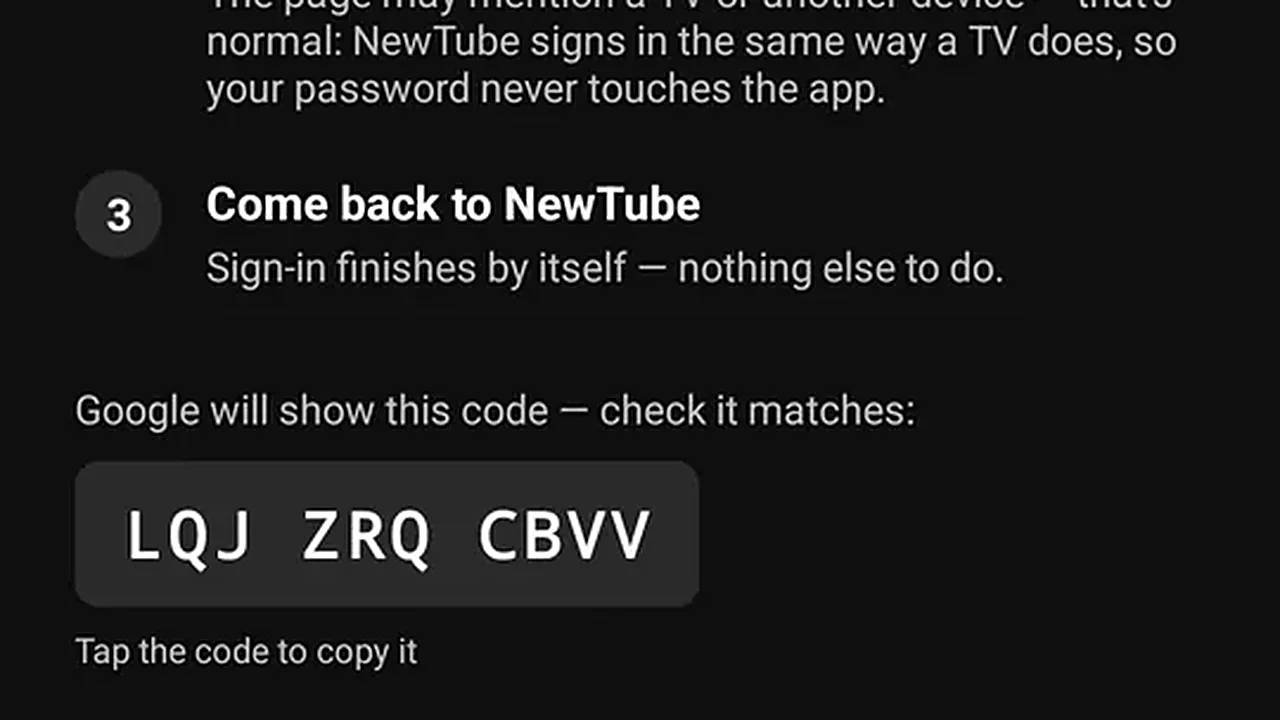
What works without an account in MeeTube, what signing in with a code adds, and how to choose between the two.
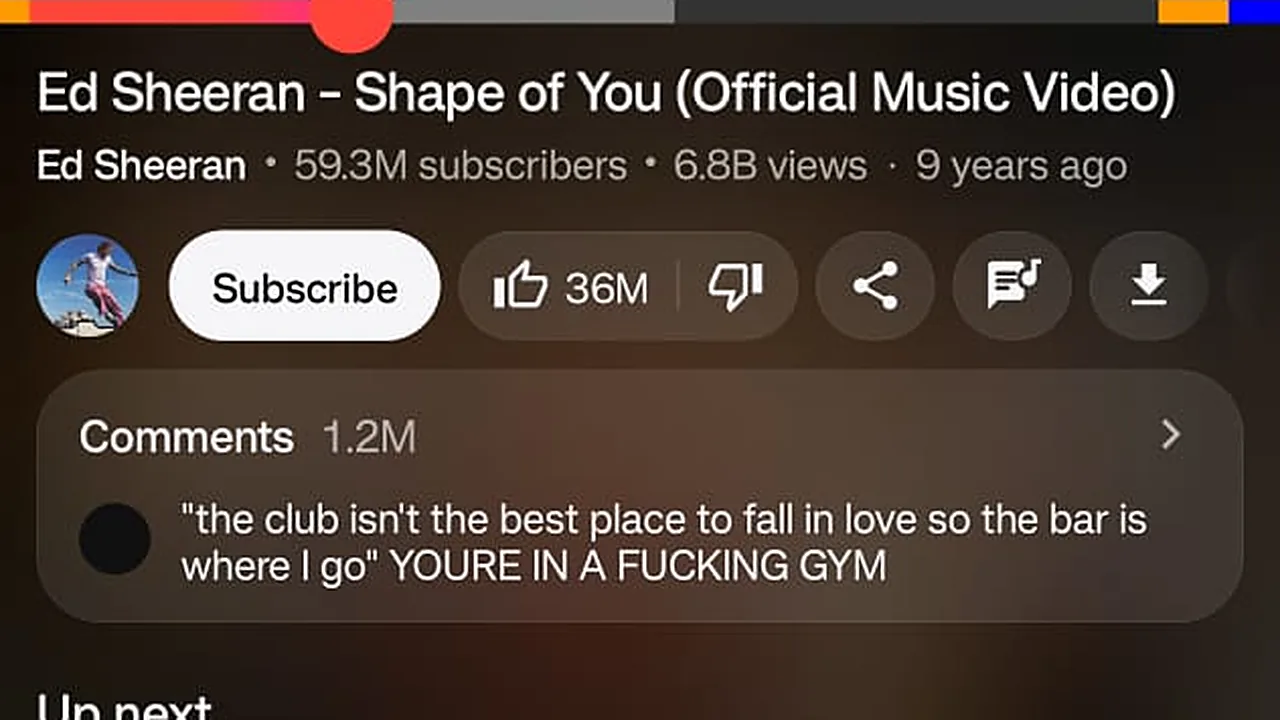
How MeeTube keeps playback and scrolling smooth: early loading, 120 Hz fixes, force quality, and the settings that stop stutter on busy feeds.

How MeeTube handles gaming content: live streams with chat, the Most replayed graph for big moments, and catching up on a stream you missed.

How families use MeeTube on a shared tablet: downloads for trips, the You page for saved videos, and settings that keep shared watching simple.

How MeeTuneMix flows songs into each other, how crossfade differs, and how to set up gapless listening that never jumps in volume.
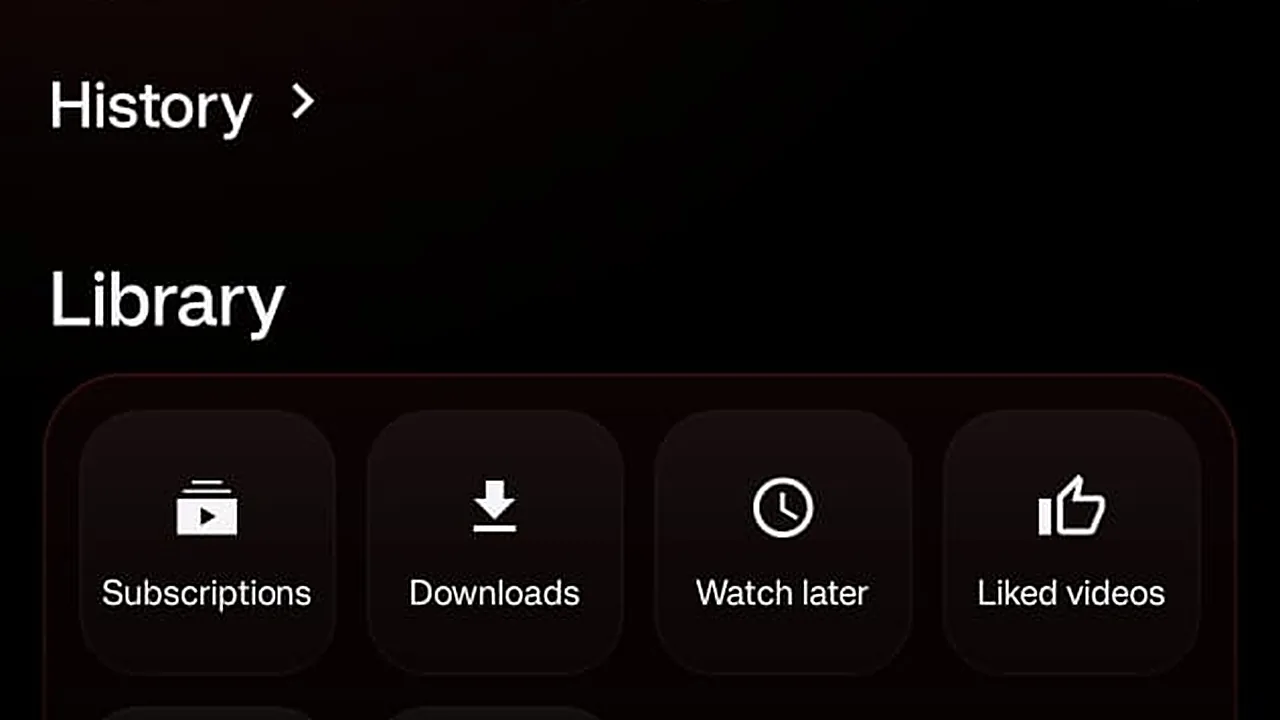
How MeeTube handles watch history: pausing it for real, keeping the old list visible, muting every channel at once, and using the app without an account.