 MeeTube
Guide
Using MeeTube Without an Account, or Signing In With a Code
What works without an account in MeeTube, what signing in with a code adds, and how to choose between the two.
By Santiago Vargas, Video App Reviewer and APK Tester
Watching Without an Account
MeeTube on Android works without an account: watching, search, downloads, playlists, and the player settings all work signed out. The app never forces a sign-in before the first video, and a viewer who only wants to watch never needs to create anything.
The cost of staying signed out is personalisation. Without an account there are no subscriptions to follow, no synced history, and no liked videos that follow you between devices. For a shared tablet or a second phone, that is often a benefit rather than a loss. Subscriptions are the main thing you gain by signing in; the search and subscriptions guide shows how the Subscriptions page works once you do.
Signing In With a Code
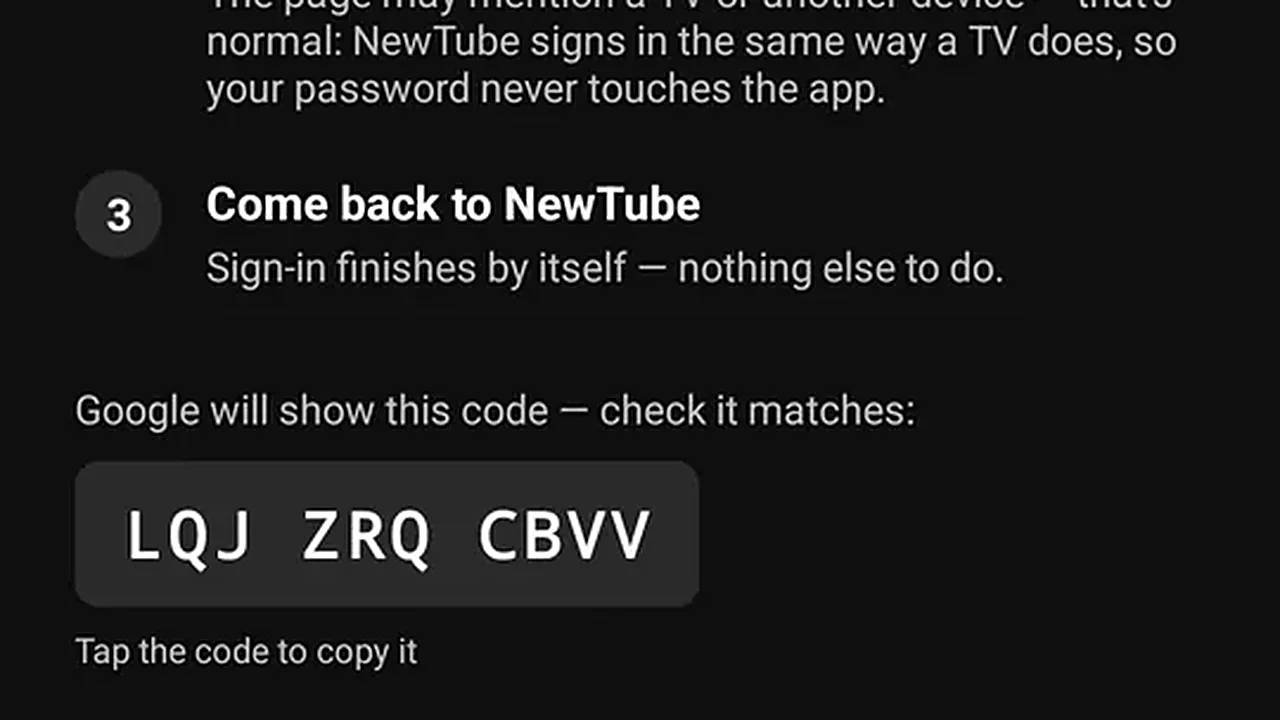
Signing in uses a code: the app shows a code, you enter it on the device the app asks for, and the account links. The code flow keeps passwords off the phone screen, which suits a television or a shared device where typing a password would be awkward.
Enter the code exactly as shown, and complete it promptly: codes expire, and a stale code fails even when typed correctly. If signing in keeps failing, watch without an account while you try again later, since watching and downloads work either way.
Which Choice Fits You
Sign in if you follow channels, keep playlists, or watch on more than one device: subscriptions, history, and liked videos then follow the account. Stay signed out if the phone is shared, if you only watch casually, or if you prefer the app to keep nothing about you at all. History controls matter either way, and the watch history and privacy controls guide covers the pause options in detail.
Switching is painless either way. Sign in later and the account features appear; sign out and the app returns to anonymous watching, with downloads already saved staying on the phone.
Frequently Asked Questions
Answers to the questions readers ask before downloading MeeTube.
Do I need an account for MeeTube?
No. Watching, search, downloads, playlists, and player settings all work without an account.
How does sign-in with a code work?
The app shows a code, you enter it on the device the app asks for, and the account links without typing a password on the phone.
What does signing in add?
Subscriptions, synced history, and liked videos that follow the account between devices, including the TV and car setups.