 MeeTube
Guide
Android Auto in MeeTune: Music in the Car
How MeeTune works in the car through Android Auto: Home, Made for you, Recents, Library, voice search, lyrics, and moving a song to the car.
By Santiago Vargas, Video App Reviewer and APK Tester
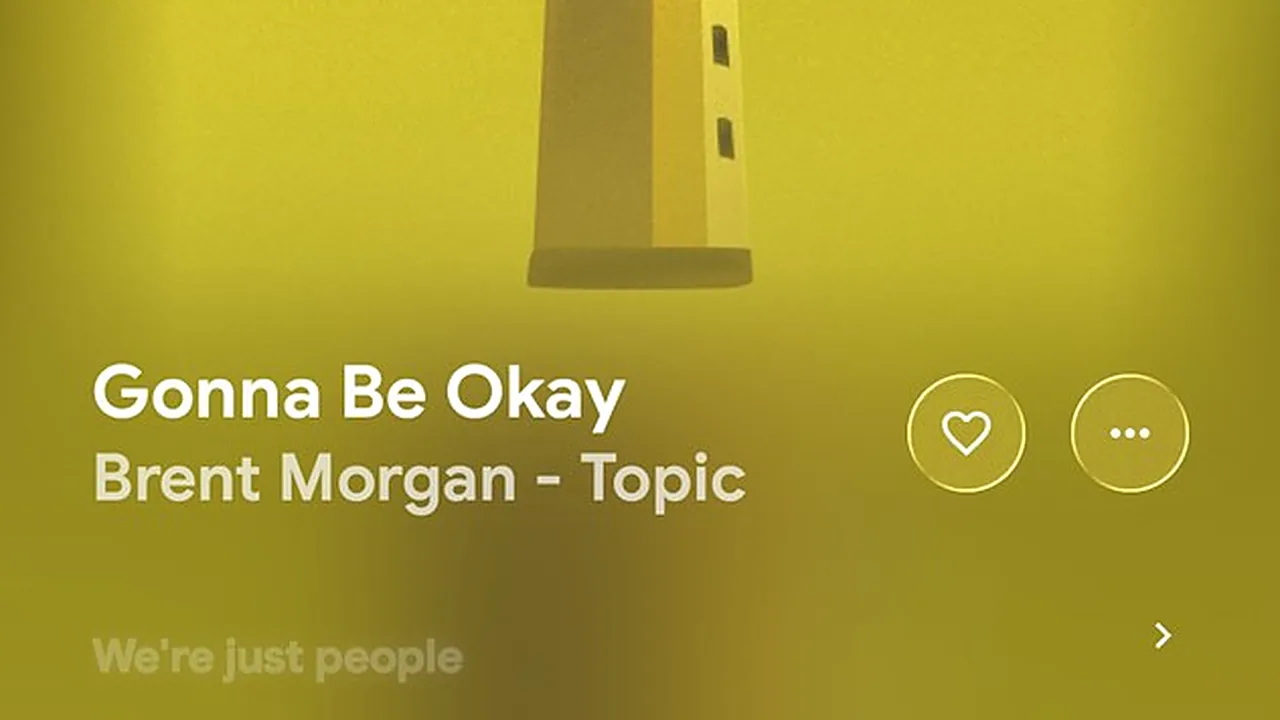
MeeTune on the Car Screen
Android Auto brings the MeeTune side of MeeTube APK download to the car with Home, Made for you, Recents, and Library, plus voice search and lyrics. The car screen shows the sections that matter while driving, and the phone stays out of the way.
The layout is deliberately simple: big targets, few choices, and the current song front and centre. Browsing a full catalogue while driving is neither safe nor pleasant, so the car interface favours recents, made-for-you picks, and the library you already built.
Moving a Song to the Car
Tap Connect to car in the player menu to move the song you are playing to the car. The song continues on the car speakers, the phone hands over control, and the lyrics follow on the car screen where the car supports them.
The handover is the moment to get right: start the song on the phone before you drive, connect the car, and move the song over while parked. Fiddling with a handover at a junction is the one thing the setup is designed to avoid.
Voice Search and Lyrics on the Road
Voice search is the car-safe way to pick the next song: say the artist or the song and let the car find it, instead of typing on a screen. Lyrics on the car screen help passengers sing along, and the driver can leave the panel alone entirely. Voice search is covered alongside the other music controls in the MeeTune music side guide.
For long drives, save downloads before you leave. Cached songs play with no network at all, so a stretch of road with no signal never silences the car, and the guide to downloads up to 4K covers the download setup.
Frequently Asked Questions
Answers to the questions readers ask before downloading MeeTube.
Does MeeTube work with Android Auto?
Yes, through MeeTune. The car screen shows Home, Made for you, Recents, and Library, with voice search and lyrics.
How do I move a playing song to the car?
Tap Connect to car in the player menu. The song continues on the car speakers and the phone hands over control.
Do I need a network connection in the car?
Streaming needs one, but cached songs and downloads with lyrics play with no network at all, so save music before a long drive.