 MeeTube
Guide
Downloads in 4K for Offline Watching
How MeeTube downloads work: quality up to 4K, any folder you pick, smart downloads that remember your quality, and auto downloads from channels you choose.
By Santiago Vargas, Video App Reviewer and APK Tester
Quality, Folders, and Smart Downloads
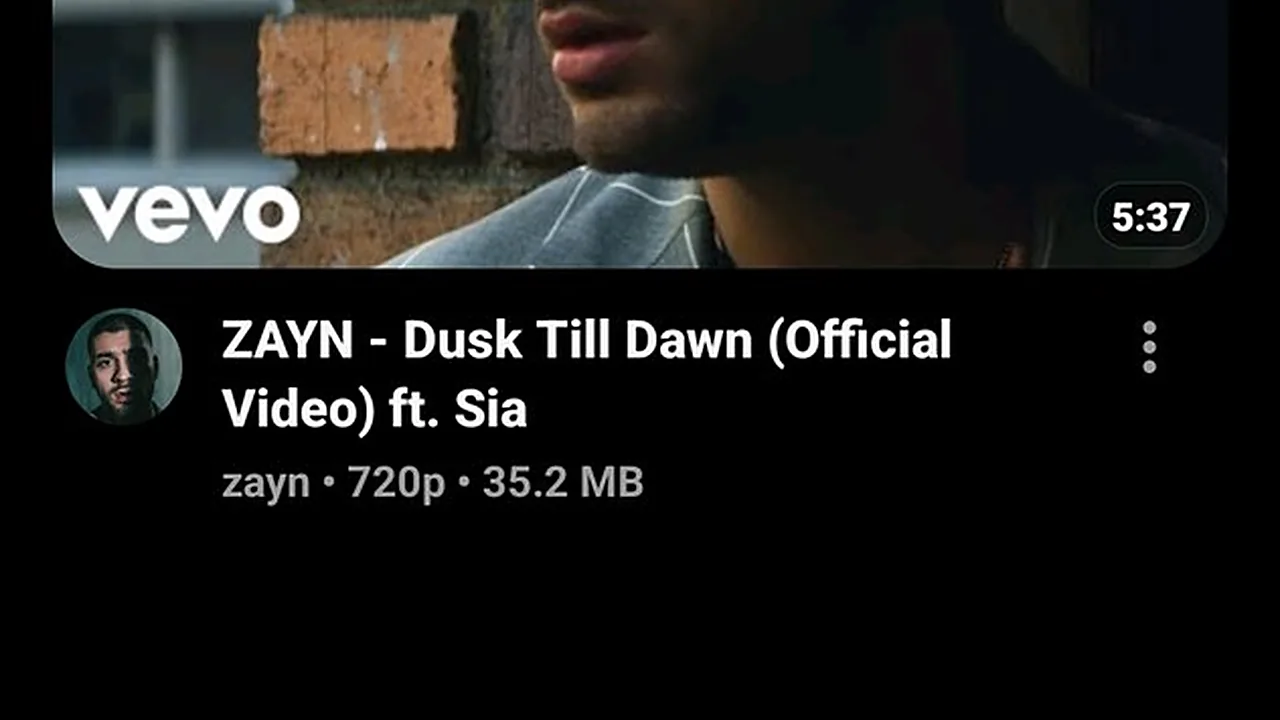
the MeeTube app saves videos up to 4K in any folder you pick, so a download can live on internal storage or on a card, wherever you have room. Smart downloads remember your quality, so one tap saves with the settings you already chose instead of asking the same questions for every video.
Pick a quality that fits the phone and the trip. The highest quality looks best on a large screen and costs the most storage and download time, while a middle quality is usually the right call for a phone screen on a train. The folder choice matters just as much: keep downloads in one folder and checking what is saved stays simple.
Auto Downloads From Channels You Choose
Turn on auto download and new uploads from the channels and playlists you choose download on their own. The idea is simple: the videos you would have opened anyway are already on the phone when you open the app, with no waiting and no signal needed.
Be selective at first. Choose two or three channels you watch every week, let auto download run for a few days, and check how much storage it used before adding more. A channel that uploads daily fills a phone faster than a channel that uploads weekly, and the setting is easy to trim once you see the pattern. Saved music keeps its own space on the music side, as the MeeTune music side guide explains.
Watching Offline, With Lyrics Intact
Downloads with lyrics play offline with the lines intact, and cached songs play with no network at all. That makes the downloads section a travel kit: save a playlist at home on Wi-Fi, then watch and listen on a plane, a train, or anywhere the signal drops, with the same synced lyrics you get online.
Before a trip, open Downloads and confirm the videos you need are actually there, then play the first few seconds of one with mobile data off. A two-minute check at home beats discovering a missing file at the gate.
Frequently Asked Questions
Answers to the questions readers ask before downloading MeeTube.
How high can download quality go?
Up to 4K. The quality you can save depends on the video itself: a video uploaded in a lower quality cannot be saved higher than it exists.
Do auto downloads use a lot of storage?
They can, if many channels are chosen. Start with two or three channels, check storage after a few days, and trim the list if the phone fills faster than expected.
Can I choose where downloads are saved?
Yes. MeeTube saves to any folder you pick in Settings, so downloads can go to internal storage or to a card.