 MeeTube
Guide
Channels, Posts, and Live Chat in MeeTube
Channel pages with banners and tabs, community posts you can like and reply to, and live chat under the video or beside it in fullscreen.
By Santiago Vargas, Video App Reviewer and APK Tester
Channel Pages, Complete
Channel pages in MeeTube on Android carry the banner, the Subscribe button, and every tab: videos, Shorts, live streams, playlists, and posts. The page is the channel home, and it is worth opening when a recommendation makes you curious about who made the video.
The Subscribe button on the channel page is also the fastest way to fix a thin Subscriptions feed. Subscribe to the channels you actually watch, and the Subscriptions page becomes a daily digest instead of a list of channels you once liked.
Community Posts You Can Join
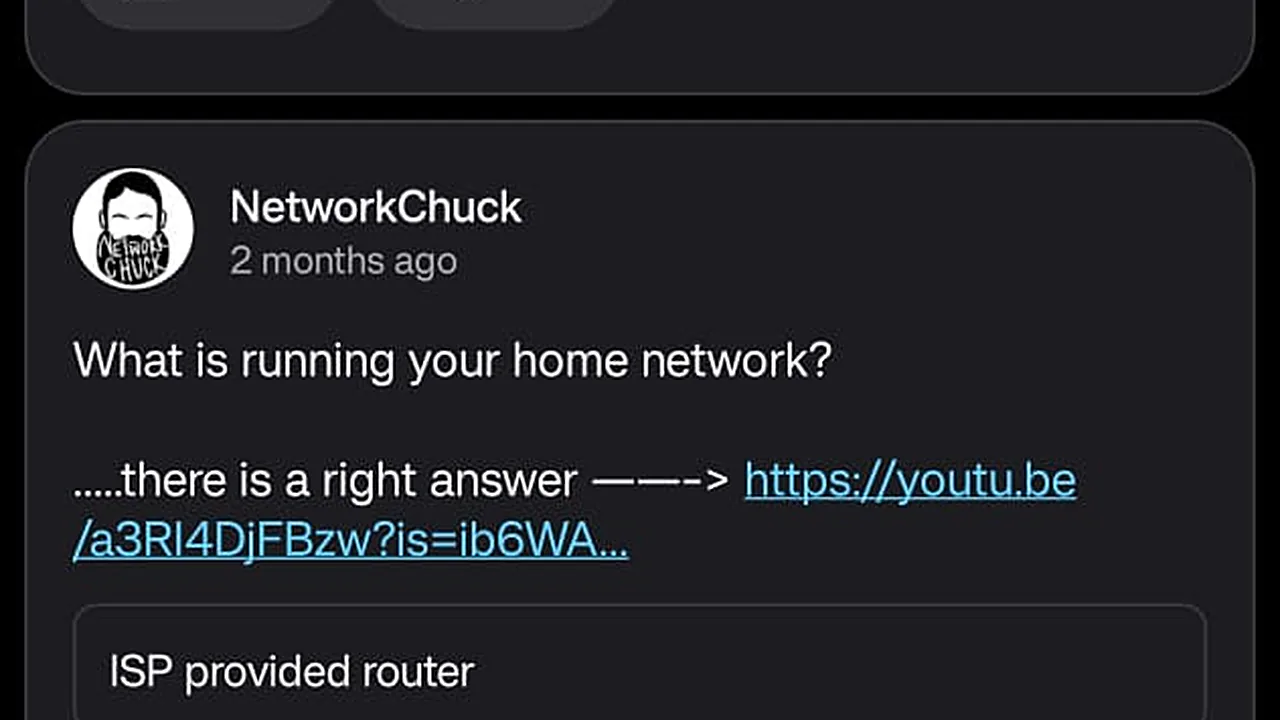
Community posts appear on channel pages, and you can like and reply to them. Posts are where channels share polls, pictures, and updates between videos, and replies are the lightest way to take part: a short reply on a post is easier than a comment on a video, and channels read them.
If posts do not appear on a channel, check the tabs on the page: some channels post rarely, and the posts tab only shows what exists. A channel with no posts is not a bug; it is a channel that communicates through videos alone.
Live Chat During Streams
On a live stream, live chat sits under the video, or beside it in fullscreen, and you can chat as any of your accounts. The chat placement keeps the video visible while the conversation runs, which matters most on a phone, where every pixel counts.
For a stream you plan to watch for a while, casting to a TV moves it to the big screen, and gaming videos and live chat covers the gaming streams where live chat is busiest.
Frequently Asked Questions
Answers to the questions readers ask before downloading MeeTube.
Can I reply to community posts?
Yes. You can like and reply to community posts on channel pages.
Where is live chat on a stream?
Under the video, or beside it in fullscreen. You can chat as any of your accounts.
Why does a channel have no posts tab content?
Some channels rarely post. The posts tab only shows what the channel has shared, so an empty tab usually means no posts yet.